Aadhaar Card Link : Ever tried to download your e-Aadhaar or apply for a quick loan only to realize the OTP is going to an old number you lost years ago? It is a frustrating moment that millions of Indians face because our digital identity is basically tied to a single ten digit string of numbers.
Keeping your Aadhaar Card link updated is not just a formality anymore but it is your gateway to every government service and financial tool in 2026. Whether you are checking which number is currently active or looking to link a new one for the first time this guide has you covered with the latest 2026 updates.
Why the Aadhaar Card Link is Your Digital Key
In today’s ecosystem your mobile number is the heartbeat of your Aadhaar profile. From authenticating bank KYC to accessing the DigiLocker and even verifying income tax returns everything relies on that one time password sent to your phone. If your Aadhaar Card link is broken or outdated you effectively lose access to your own digital persona.
How to Check Which Mobile Number is Linked with Aadhaar
Before you rush to a center it is smart to verify which number is actually on record. Sometimes we have multiple family numbers and forget which one was used during the initial enrollment.
1. Using the UIDAI MyAadhaar Portal
The official [suspicious link removed] remains the most reliable source for a quick check.
- Navigate to the My Aadhaar section on the homepage
- Look for the Verify Email/Mobile Number option under Aadhaar Services
- Enter your 12 digit Aadhaar number and the mobile number you think is linked
- Type in the Captcha and click on Send OTP
- If the number matches the records the screen will display a message saying “The mobile number you have entered is already verified”
- If it does not match you will see a red notification indicating no record exists
2. Using the TAFCOP Portal (Sanchar Saathi)
If you want to see every single mobile connection issued against your identity the Sanchar Saathi portal is a lifesaver.
- Log in with your current active mobile number
- The dashboard will list all numbers registered under your Aadhaar
- This is a great way to spot any unauthorized SIM cards and report them immediately
Step by Step: How to Complete Your Aadhaar Card Link
If you find that no number is linked or you need to update an old one you should know that UIDAI does not allow mobile linking entirely online for security reasons. You cannot simply log in and change it because that would make identity theft too easy for hackers.
Method 1: Visiting an Aadhaar Seva Kendra (ASK)
This is the standard and most secure method.
- Find your nearest center using the Bhuvan Aadhaar portal
- You can book an appointment online via the MyAadhaar portal to skip the long queues
- Carry your original Aadhaar card (no other documents are usually required for just a mobile update)
- Fill out the update form and provide your biometrics (fingerprint or iris scan)
- Pay the nominal fee and collect your acknowledgement slip
Method 2: Doorstep Service via India Post Payment Bank (IPPB)
In 2026 the postman is your best friend for Aadhaar updates.
- Download the PostInfo app or visit the IPPB website
- Select the Service Request option for Aadhaar Mobile Update
- A representative from the post office will visit your home with a tablet and biometric scanner
- They will process your Aadhaar Card link right at your doorstep which is perfect for senior citizens or busy professionals
2026 Fee Structure and Processing Time
| Service Type | Official Fee (2026) | Processing Time |
| Mobile Number Link/Update | ₹75 | 72 hours to 7 days |
| Biometric Update + Mobile | ₹125 | 7 to 15 days |
| Online Document Update | Free (Until June 14, 2026) | Varies |
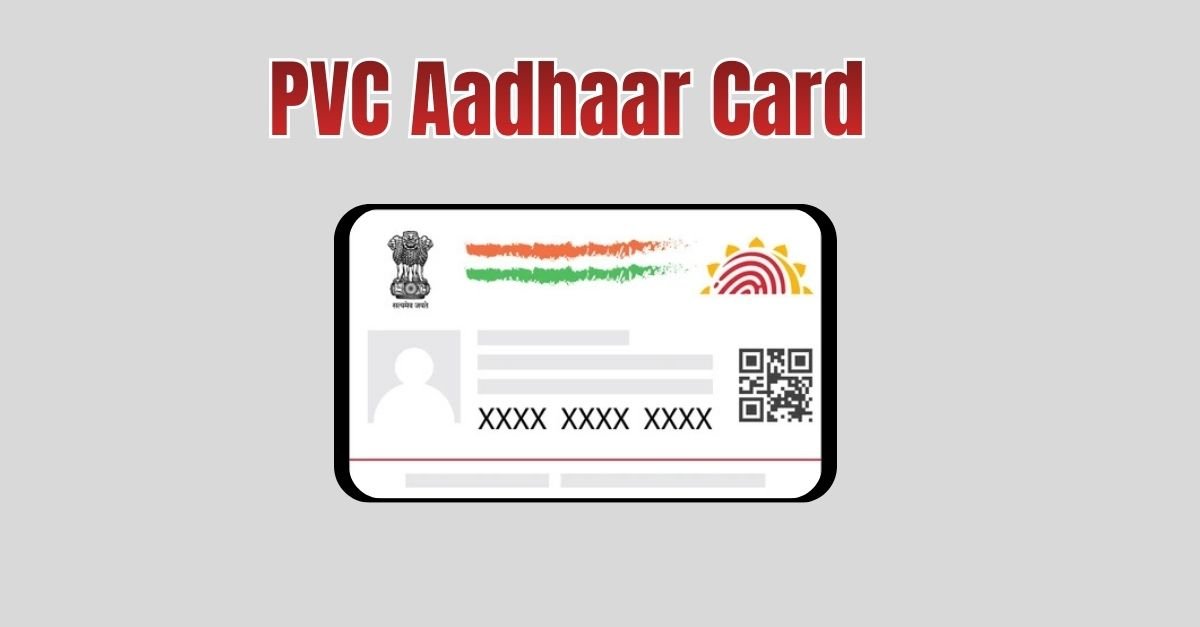
| PVC Card Order | ₹75 | 10 to 15 days |
Critical Insights for a Secure Update
When you go for an Aadhaar Card link update keep these unique tips in mind to ensure a smooth experience:
- Zero Document Policy: You do not need to bring electricity bills or birth certificates just to change a mobile number. It is a “Zero Document Update” as long as you have your Aadhaar and your biometrics are clear.
- The 90 Day Rule: While most updates reflect within a few days the official window is 90 days. Do not panic if you do not get an SMS confirmation within the first hour.
- Check the Receipt: Always double check the mobile number typed on the acknowledgement slip before leaving the center. A single digit error means another trip to the ASK.
Frequently Asked Questions
Can I link my mobile number to Aadhaar using the mAadhaar app?
No the mAadhaar app allows you to view your profile and share a digital ID but it cannot be used to link a mobile number for the first time or change an existing one without biometric verification.
What if my fingerprints are not scanning?
UIDAI centers now use Iris scanners and Face Authentication as backups. If you are an elderly person with worn out fingerprints the operator will use these alternative methods to verify your identity.
Is it safe to link my main number with Aadhaar?
Yes it is actually safer. Linking your number allows you to lock your biometrics online which prevents anyone else from using your fingerprints for unauthorized transactions.
Conclusion
Managing your Aadhaar Card link is a small task that saves you from massive headaches later. Whether you use the doorstep service by the post office or visit a sleek Aadhaar Seva Kendra ensure your current active number is on file. This keeps your data secure and your access to 2026’s digital economy seamless.
Have you tried the new doorstep update service yet? Share your experience in the comments below or ask any questions you have about the process and we will help you o